
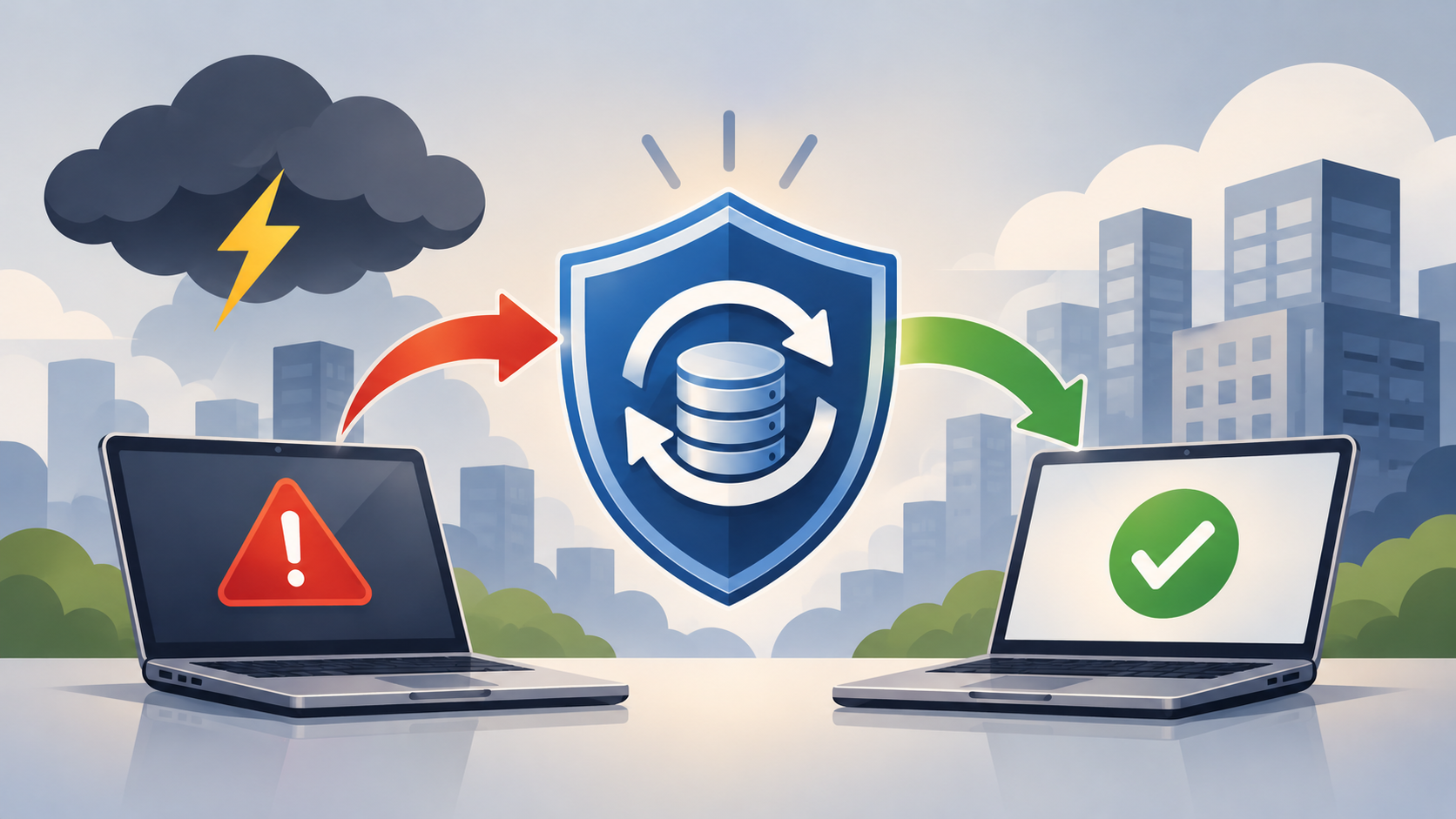
Modern businesses rely on automated workflows to manage approvals, notifications, employee processes, customer interactions, and integrations between applications. When these workflows fail, the impact can quickly spread across the organization.
What Puts Workflows at Risk?
Workflows can be disrupted by both simple mistakes and serious security incidents:
Accidental deletion or modification
Incorrect configuration changes
Compromised administrator accounts
Unauthorized changes to automation rules
Failed integrations or system updates
Lack of documentation
Even a minor configuration change can interrupt a critical business process. Without a reliable recovery option, IT teams may have to spend significant time rebuilding workflows manually.
Why Does Workflow Backup Matter?
Traditional backup strategies often focus on protecting data. However, workflows determine how that data moves through the organization.
A workflow backup strategy can help:
Reduce downtime: Restore important processes instead of rebuilding them.
Protect against human error: Recover workflows after accidental changes.
Improve incident recovery: Restore configurations following malicious activity.
Preserve business processes: Maintain the rules and logic behind automation.
Support business continuity: Help essential operations resume faster.
How Can Organizations Reduce the Risk?
Organizations should:
Identify workflows that are critical to daily operations.
Establish regular backup and recovery points.
Apply least-privilege access to workflow administration.
Use strong authentication for privileged accounts.
Protect backup copies from unauthorized changes.
Document important workflow dependencies.
Test recovery procedures regularly.
Backup security is also important. If an attacker can compromise both production workflows and their backups, recovery may become much more difficult. Separating administrative responsibilities and protecting recovery resources can help reduce this risk.
Workflow backup is ultimately about protecting more than configuration. It protects the automated processes that keep the business operating. As organizations become increasingly dependent on automation, workflow recovery should be included in broader cybersecurity and business continuity planning.
How CyberGrade Can Help
We specialize in helping organizations navigate the complexities of remote work security. Our vendor-agnostic approach allows us to assess your unique needs and recommend tailored solutions to mitigate cybersecurity risks effectively.